

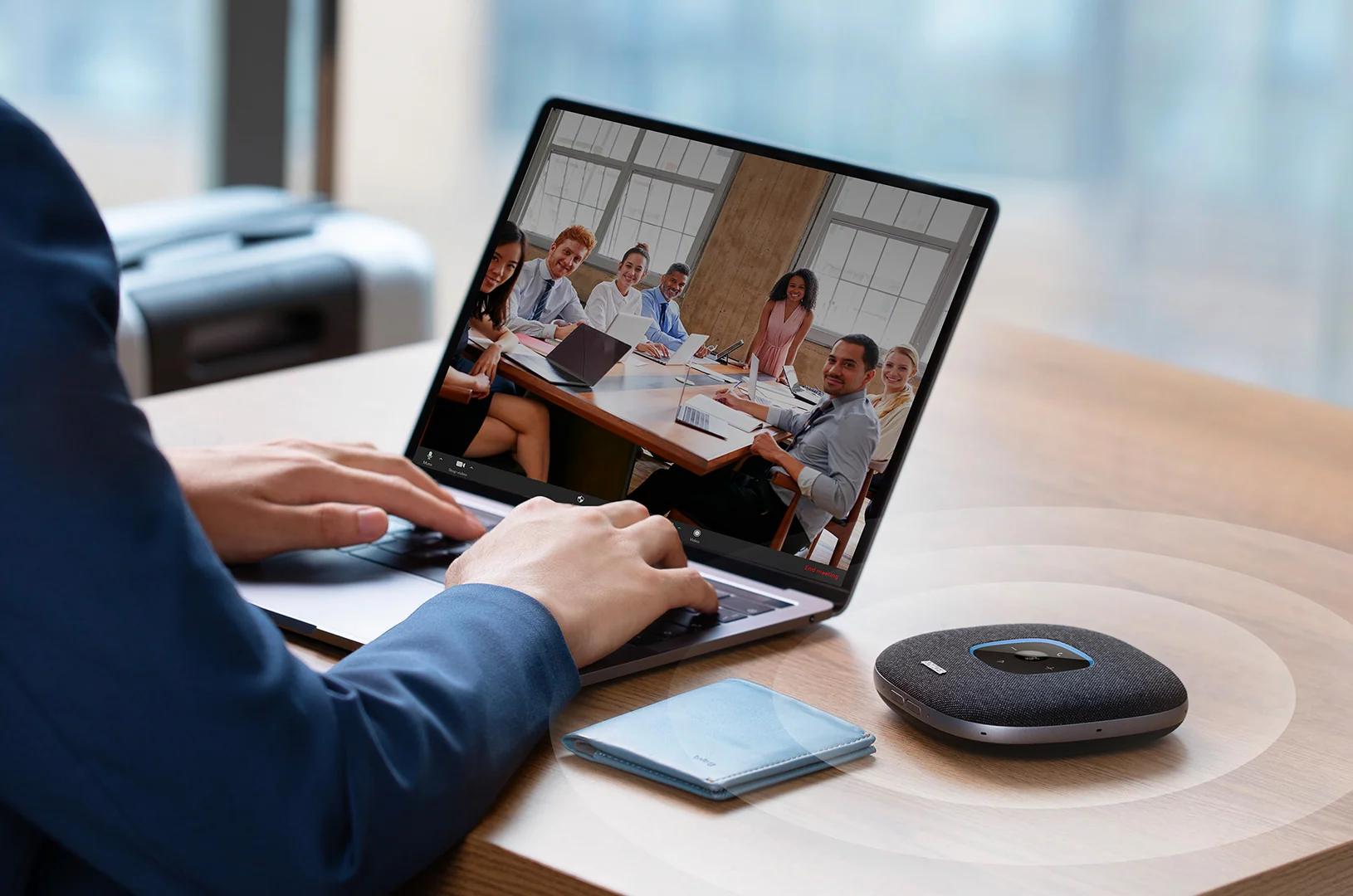
Remote work has changed how many people organize their professional lives. Video meetings, online presentations, virtual training, and collaboration platforms have become routine parts of the working day.
Although a reliable computer and internet connection are essential, audio and video quality also influence how effectively people communicate. Poor microphone performance, unclear images, and distracting background noise can make meetings tiring and reduce the clarity of important conversations.
Creating a productive home office does not require an expensive studio. With thoughtful equipment choices and a few practical adjustments, it is possible to build a workspace that supports clearer communication and more comfortable work.
Start With the Essentials
Before investing in new accessories, evaluate your current setup.
Can colleagues hear you clearly? Is your face visible during video calls? Does your internet connection remain stable throughout meetings? Are background noises distracting?
These questions help identify which upgrades are genuinely necessary.
For some people, a dedicated webcam may provide better image quality than a built-in laptop camera. Others may benefit more from a headset with a clearer microphone or a speakerphone designed for group discussions.
AnkerWork offers workplace communication equipment, including products for video conferencing and audio. Exploring AnkerWork can be useful when researching tools for a home office or professional meeting space.
Why Microphone Quality Matters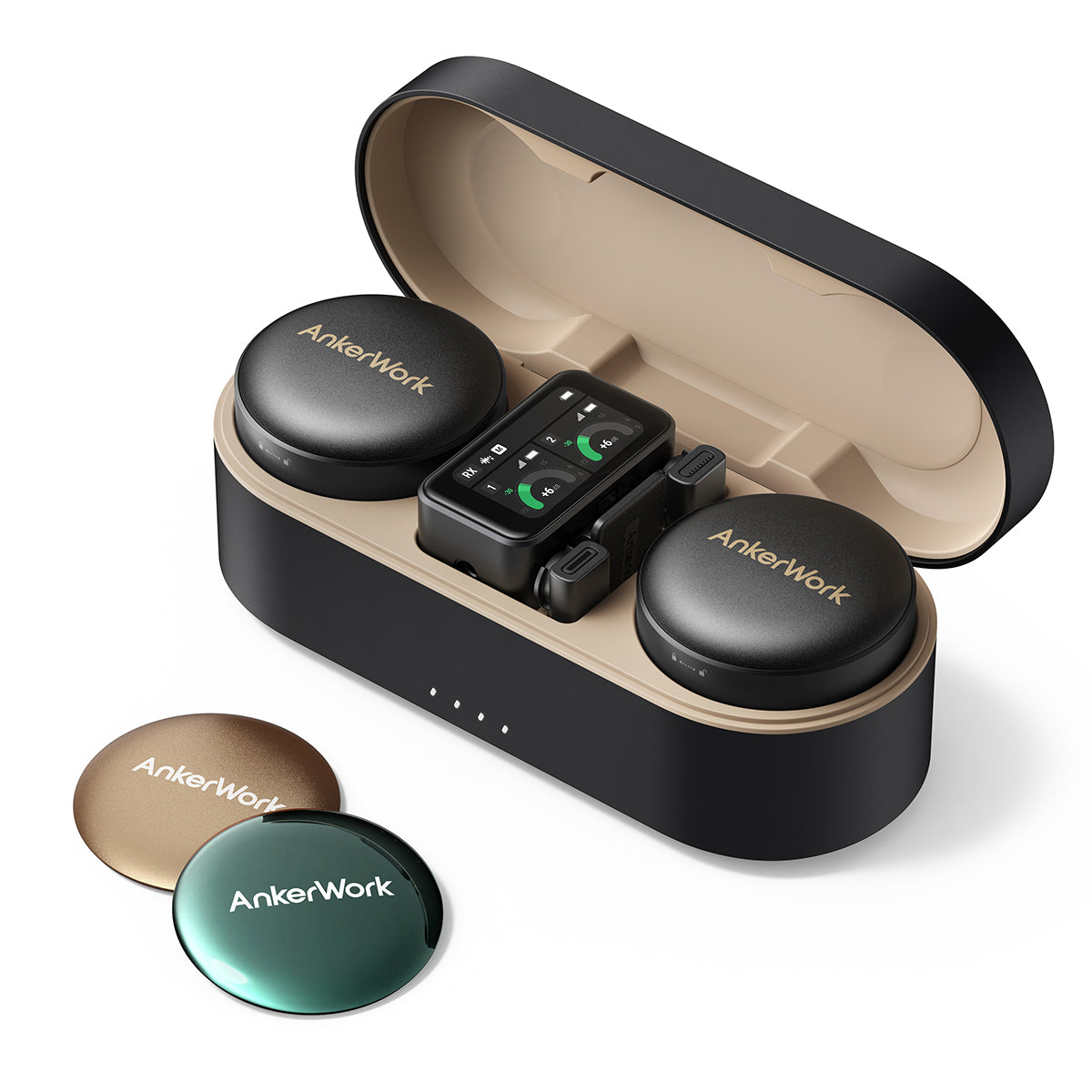
A microphone captures the voice that colleagues, clients, and collaborators hear during online meetings. If it produces muffled speech or captures too much background noise, listeners may struggle to follow the conversation.
Built-in laptop microphones are convenient, but their performance varies considerably. A dedicated headset or conference microphone can provide a more consistent experience.
The right choice depends on the working environment. A headset may be ideal for someone working in a shared household, while a speakerphone may suit a small office where several people participate in the same meeting.
Microphone placement is equally important. Keep the microphone at an appropriate distance from your mouth and avoid positioning it directly beside noisy fans or keyboards when possible.
Choosing a Webcam for Professional Meetings
Video quality affects how clearly people can see facial expressions, gestures, and visual demonstrations.
When comparing webcams, consider resolution, autofocus, low-light performance, field of view, and compatibility with your preferred meeting applications.
Higher resolution can provide a sharper image, but it is not the only important factor. A well-positioned camera with appropriate lighting may produce a better result than a higher-resolution camera in a poorly lit room.
Position the webcam near eye level to create a more natural perspective. If you frequently share physical products, documents, or demonstrations, a camera with flexible positioning may also be useful.
Before purchasing, confirm that the webcam supports your operating system and offers the settings you need.
Lighting Can Improve Video Quality
Even a capable camera may struggle when the room is too dark or the lighting is uneven.
A simple solution is to position yourself facing a window when natural light is available. This can illuminate your face without requiring specialized equipment.
Avoid placing a bright window directly behind you, as the camera may expose the image for the background and leave your face looking dark.
When natural light is inconsistent, an adjustable desk light or dedicated video light may help. Choose lighting that is comfortable for your eyes and does not create harsh reflections on glasses or computer screens.
A neutral background can also reduce visual distractions during meetings.
Reducing Background Noise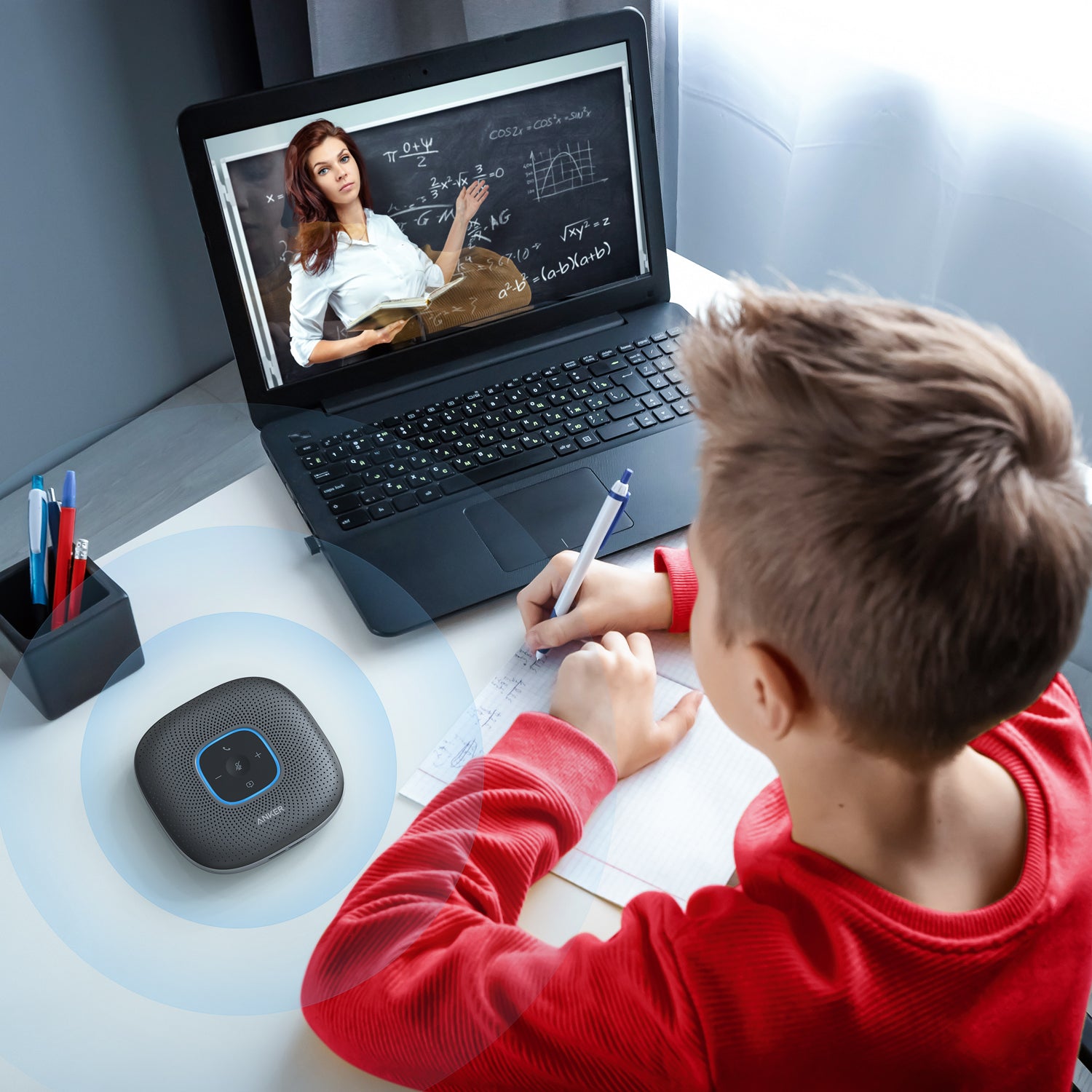
Household sounds, traffic, pets, and nearby conversations can interfere with remote communication.
Where possible, choose a quiet location and close doors or windows when outside noise becomes distracting. Soft furnishings may help reduce echoes in rooms with many hard surfaces.
Noise-cancellation features can also be useful. Some headsets and microphones process incoming or outgoing audio to reduce unwanted sounds, although performance differs between products.
Test your equipment before important meetings. Listening to a short recording can reveal problems that are difficult to notice while speaking.
If you regularly lead meetings, consider establishing simple expectations with other household members about interruptions and quiet periods.
Reliable Connectivity Supports Better Meetings
Video calls depend on a stable network connection. Even good audio and video equipment cannot fully compensate for frequent interruptions caused by poor connectivity.
Whenever possible, place your workstation where Wi-Fi reception is strong. A wired Ethernet connection may provide greater consistency if your computer and network equipment support it.
Closing unnecessary applications, limiting large downloads during meetings, and keeping network equipment updated can also help.
If multiple people in the household use bandwidth-intensive services simultaneously, consider scheduling demanding downloads outside important meetings.
A backup connection, such as a supported mobile hotspot, may be useful for people whose work depends on remaining available online.
Make Your Workspace Comfortable
Productivity is influenced by more than technology. Desk height, chair support, monitor placement, and lighting all affect comfort throughout the working day.
Position your screen so that you can view it without repeatedly bending your neck. Keep frequently used accessories within easy reach, and arrange cables to prevent clutter.
A comfortable headset should fit securely without creating excessive pressure. If you attend meetings for several hours daily, battery life and easy-to-access mute controls may become especially important.
Regular breaks and changes in posture can also help make long workdays more manageable.
Protect Privacy During Video Calls
Professional communication tools may capture voices, images, and shared documents. It is therefore important to understand the privacy and security settings of the applications and equipment you use.
Review camera and microphone permissions, keep firmware and software updated, and use meeting passwords or waiting rooms when appropriate.
Before sharing your screen, close unrelated documents and notifications that may contain personal or confidential information.
If a device offers cloud recording or AI-powered meeting features, check how recordings and associated data are stored and who can access them.
Choosing Equipment That Offers Long-Term Value
The most expensive accessories are not always necessary. Focus on the problems that occur most frequently during your workday.
If colleagues struggle to hear you, prioritize microphone quality. If your video appears grainy, examine lighting and camera performance. If meetings repeatedly disconnect, investigate network stability before purchasing additional accessories.
Comparing specifications, compatibility, warranty coverage, and independent reviews can help you avoid unnecessary spending.
AnkerWork is one option to explore when comparing workplace audio and video equipment for different professional environments.
Conclusion
A productive home office combines reliable connectivity, clear audio, suitable video equipment, and an organized workspace.
Small improvements can make meetings easier to follow, presentations more professional, and everyday collaboration less frustrating.
By identifying your main challenges and selecting equipment accordingly, you can build a practical home office that supports effective communication without exceeding your budget.